
·6 min read
Does Incognito Save History? What Chrome Actually Records
Does incognito save history? This guide shows how to check Chrome History, downloads, accounts, and authorized device or network logs separately.
AI browser history search tips for Chrome, privacy-first workflows, and TraceMind updates.
Does incognito save history? This guide shows how to check Chrome History, downloads, accounts, and authorized device or network logs separately.

Datarag Chrome extension privacy claims remain unverified, while TraceMind documents local core processing, optional outbound chat, and device limits.

Find an article I read by searching browser history, remembered phrases, saved citations, and archives, then verify its author, date, and source.
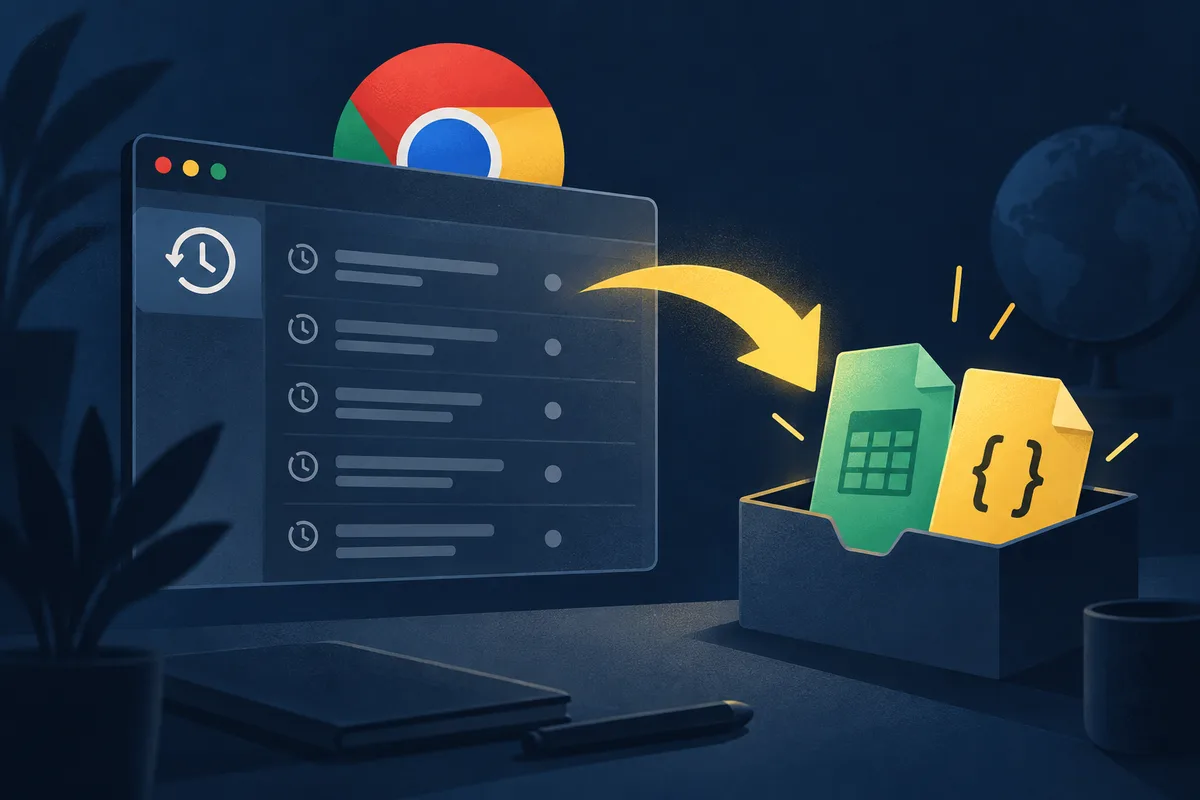
Export Chrome history safely by choosing Google Takeout, a copied local database, or a reviewed extension, and verify fields, formats, and coverage.
Use a Brave browser history search to find pages by title, site, or URL, test body-text matching, and build a local index for longer retention.

Search Edge browser history by checking the right profile, device, date clues, and indexed fields, then test what your current Edge version can find.

Find a Falcon Chrome extension alternative by testing full-text capture, exact retrieval, privacy, persistence, Chrome support, and migration limits.
Find a video you watched by checking YouTube Watch History, Google My Activity, and captured-page search when you remember the topic but not the title.
Disable Chrome AI features by auditing each control in your version, testing its effect, and separating feature settings from history and account data.

Last Tuesday I asked Chrome's new AI history search to find "that article about lithium mining I read a few weeks back." It found it. Two seconds, cle...

If you cleared your Chrome history locally and sync was off, you probably can't get most of it back. That's the honest answer. But if you had Google s...

Short answer: you can't, not through Chrome itself. Chrome permanently deletes local browsing history after 90 days, and there's no built-in setting, ...
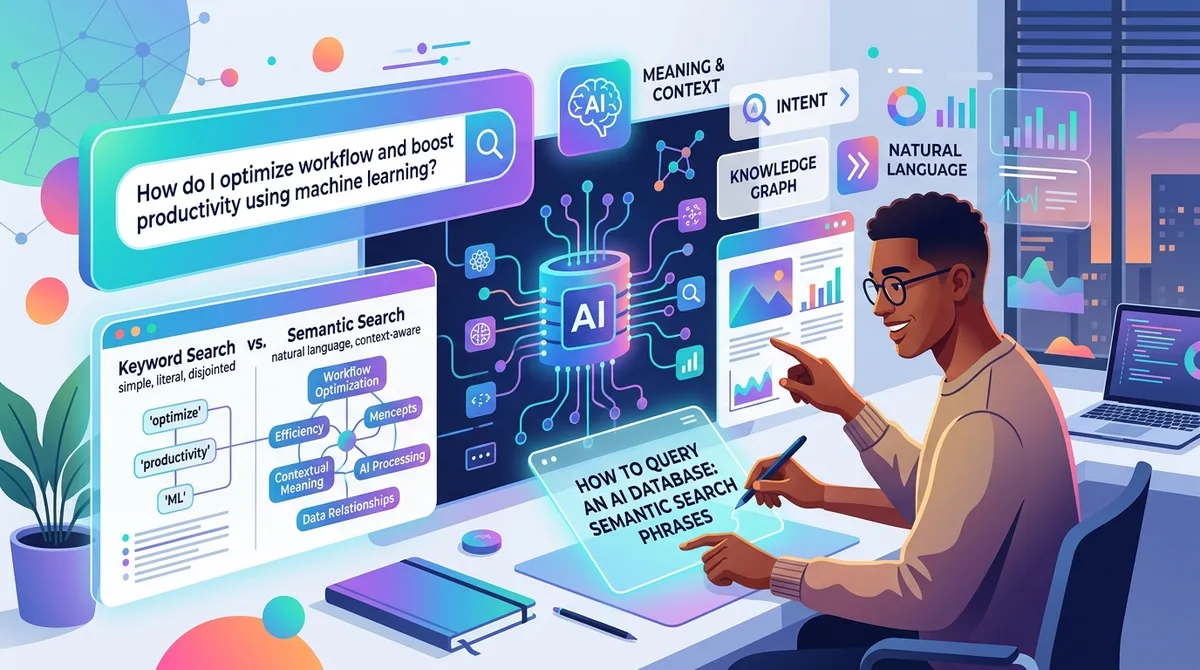
Short version first. You can stop guessing keywords now. That's the whole promise, and after six months of leaning on this every day, I still find it ...

Six reliable ways to find every URL on a website: the site: operator, sitemap.xml, robots.txt, the Wayback Machine CDX API, a free crawler, and on-site search.

Punchy sentence, sure. But here's the real one: Chrome's sync will happily delete years of your browsing history and tell you absolutely nothing about...
Compares Rewind's always-on screen recording to a Chrome extension that indexes page text, covering CPU, battery cost, and what each approach captures.
Chrome history search only matches titles and URLs, never words you actually read. Why indexing real page text with semantic matching fixes that.
Browser extensions auto-update silently and can read every page you visit. Practical security habits: audit permissions, read the manifest, and go local-first.
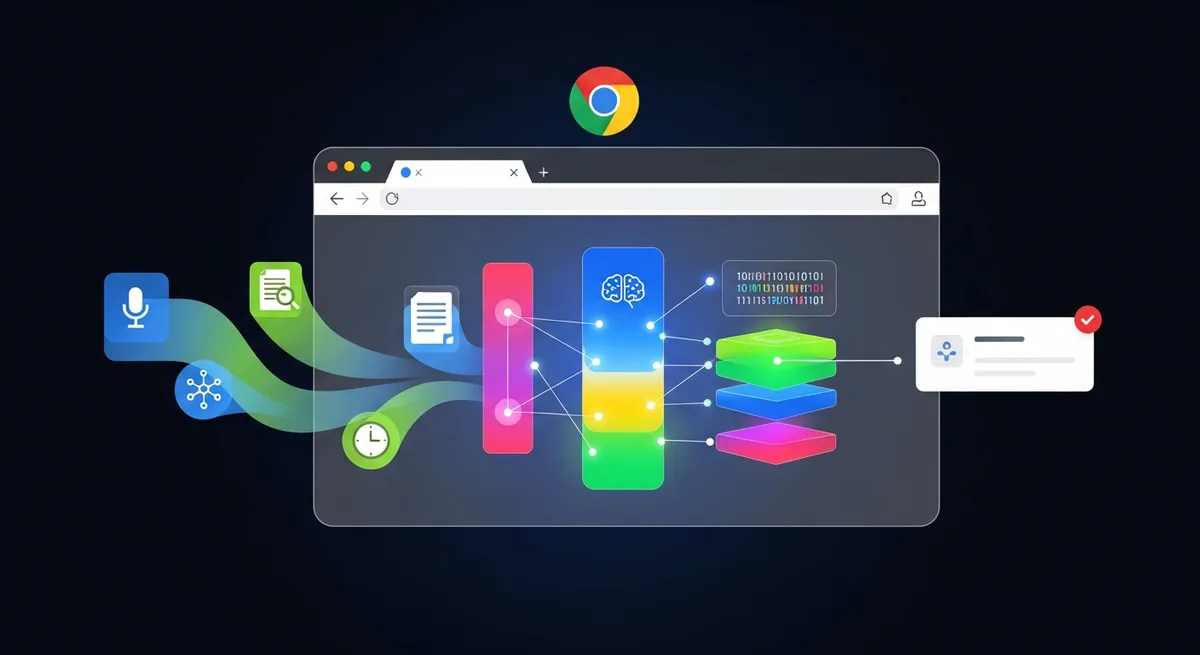
How Chrome extensions run core ML locally: WebGPU or WASM inference, a quantized MiniLM model, and brute-force cosine vector search.
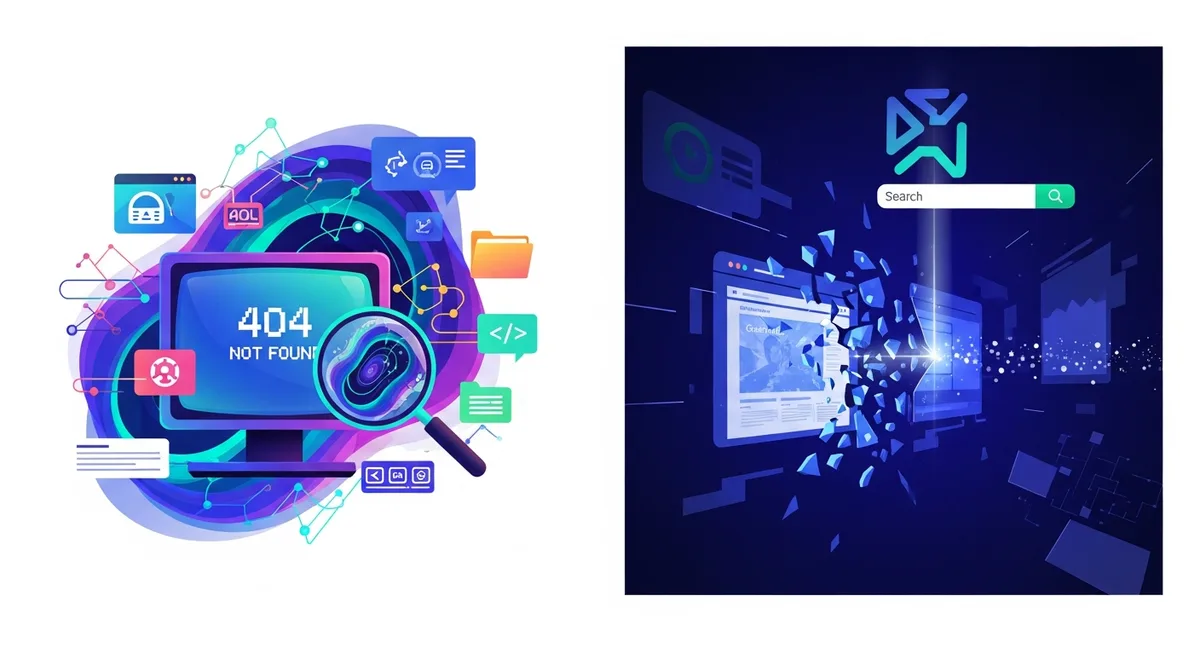
Dead link or vanished site? Use archives, caches, and your own offline copies to recover pages that no longer exist anywhere on the live web.
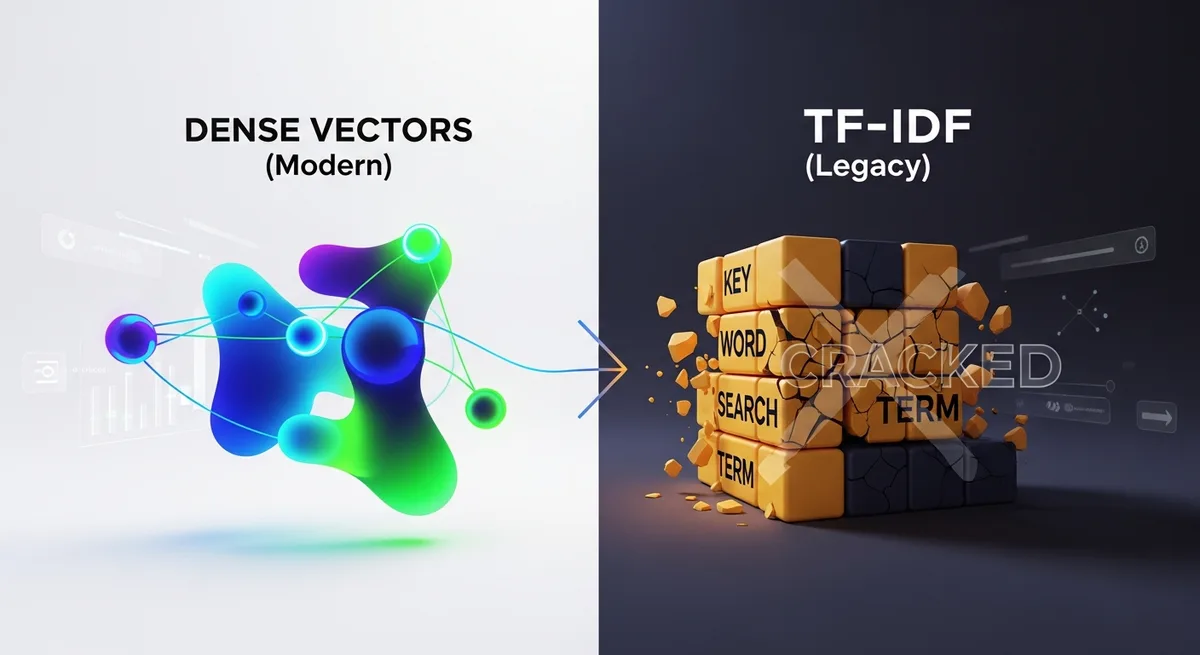
Keyword search fails when you remember the idea but not the words. How dense vector embeddings beat TF-IDF at finding pages by meaning, and where hybrid wins.
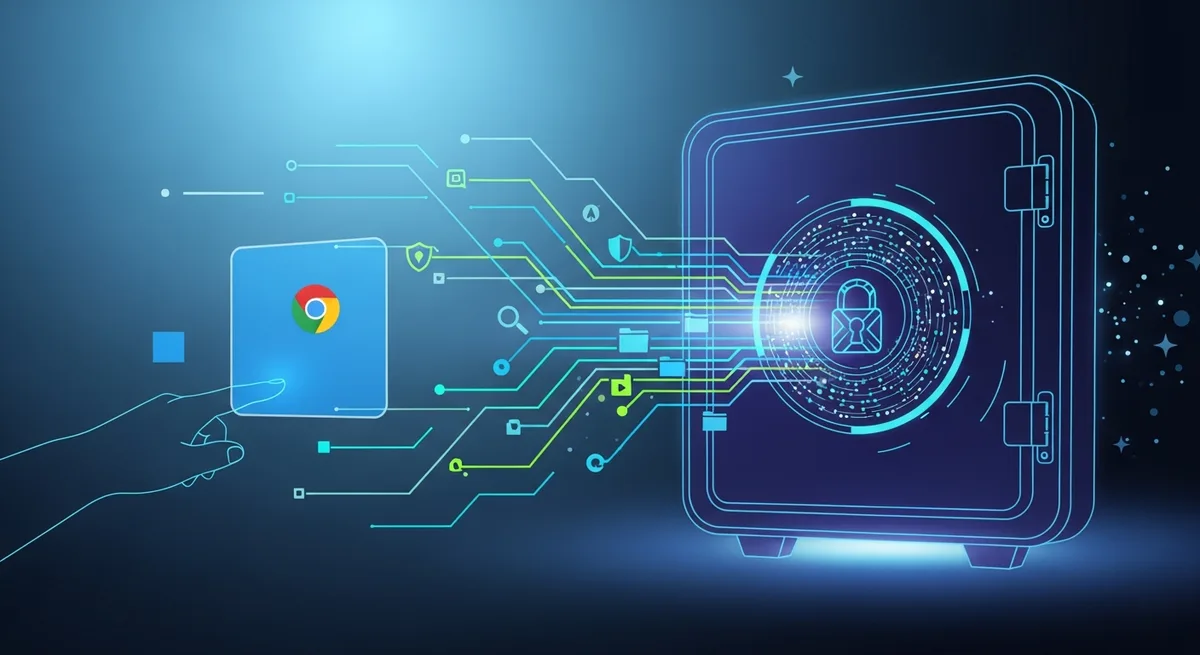
Ranks Chrome history tools on security: History Master, Better History, Heyday, Memex, and Microsoft Recall, judged by local storage and encryption.
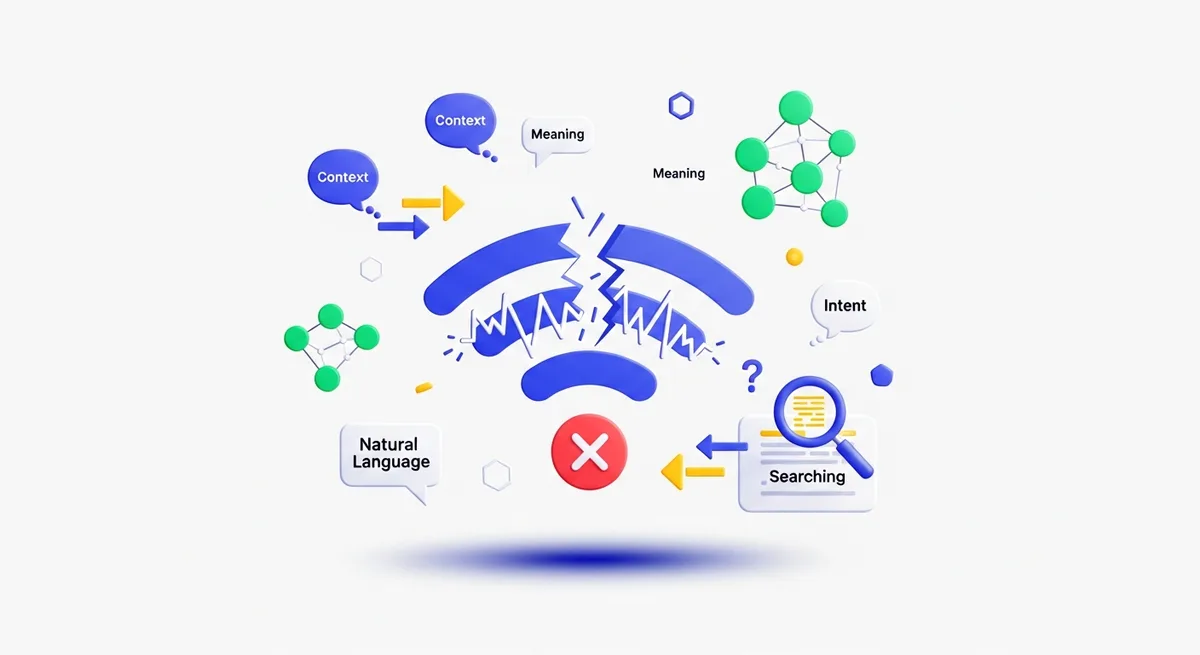
How offline semantic search works: a small transformer model cached locally, brute-force cosine similarity, quantized vectors, and a graceful fallback.
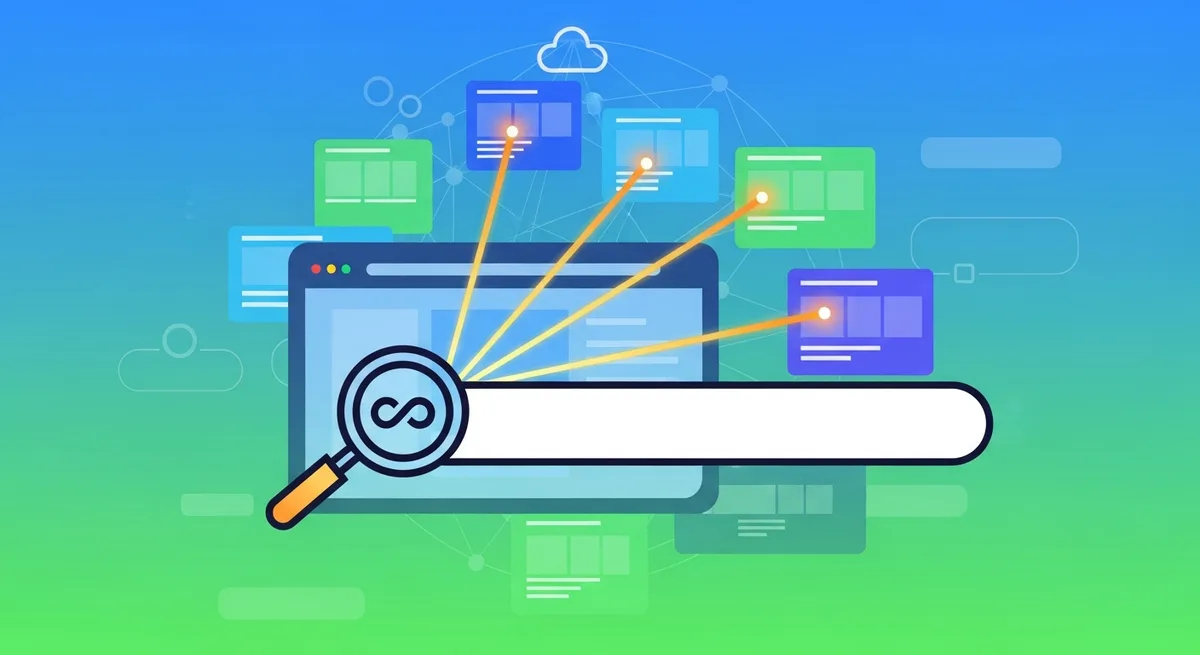
Find pages you personally opened on one site with Chrome history, a domain filter, and content search. Need every URL that exists instead? Use a sitemap or crawler.

Heyday uploads your browsing record to the cloud; a local-first alternative keeps it on your device. A privacy-focused Heyday comparison with semantic search.
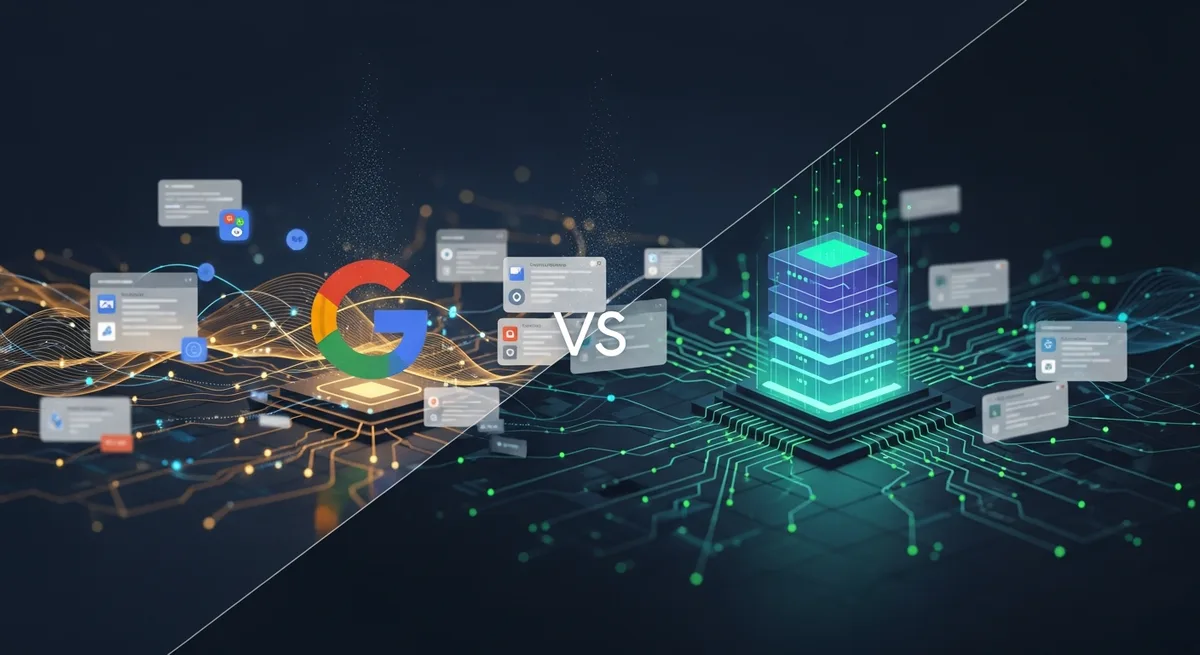
Google's semantic search is built for discovery; a local AI index is built to retrieve pages you've read. How the two differ on scope, privacy, and recall.
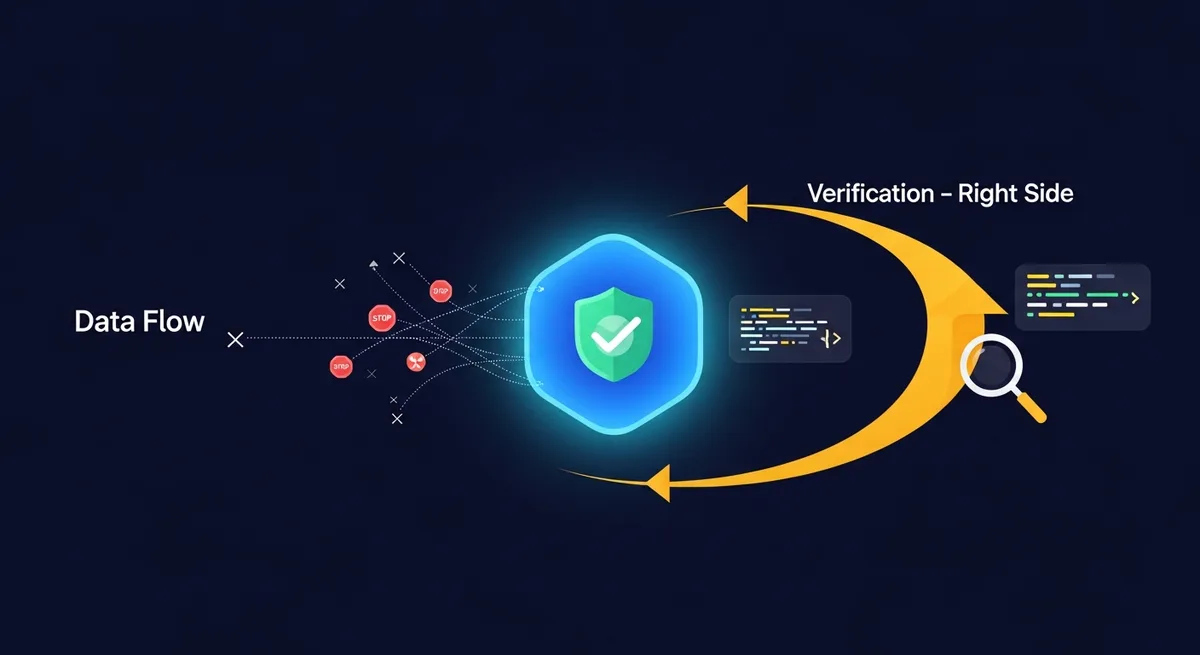
Defines zero telemetry for browser extensions and shows how to verify it with DevTools and Wireshark, using the author's TraceMind test as a worked example.
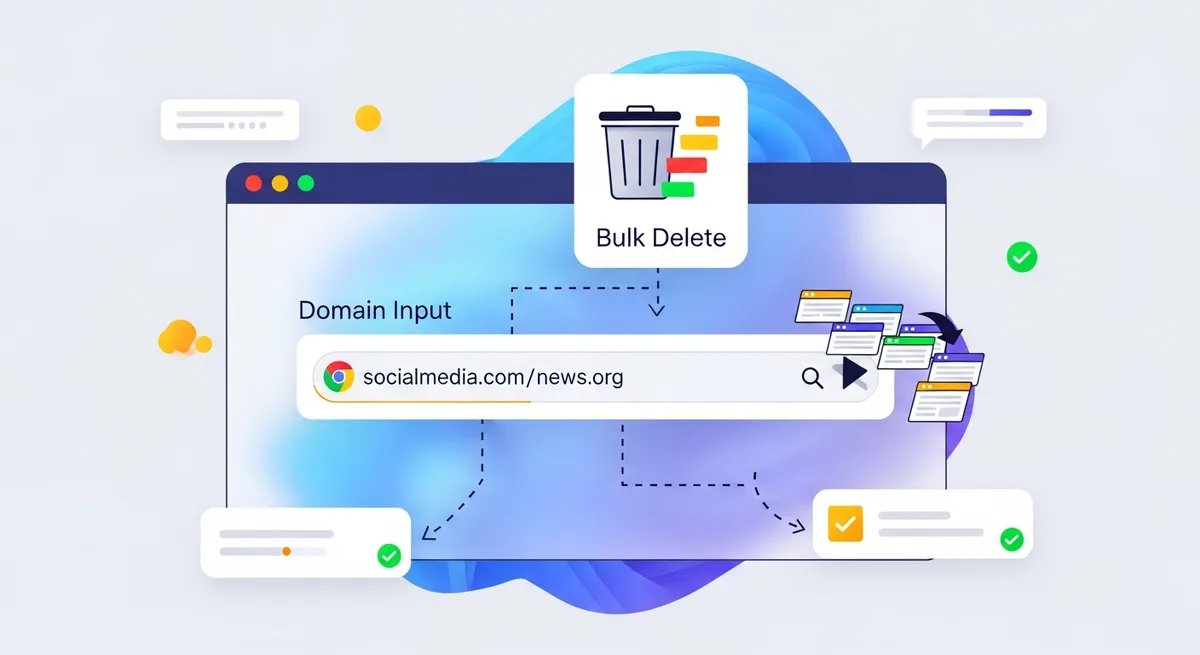
Chrome only deletes history one page at a time, no bulk-by-domain option. Covers the SQLite workaround and why extension-based bulk deletion works better.
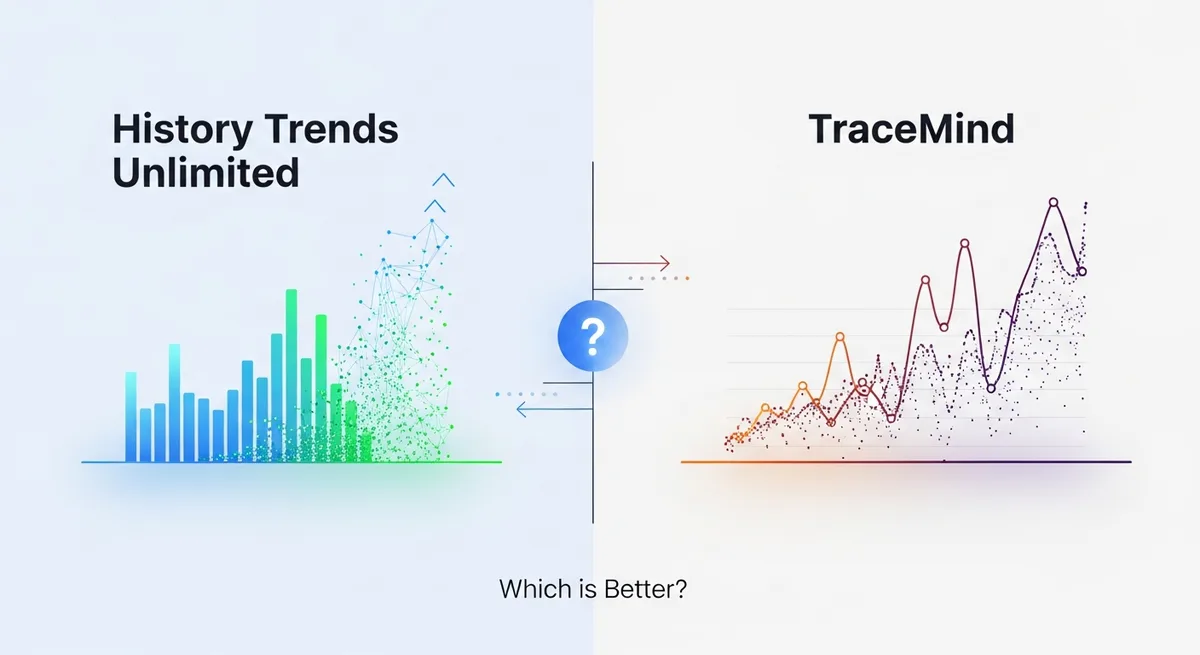
Compare History Trends Unlimited's retention and analytics with TraceMind's captured-content search, local controls, and documented limits.

Explains semantic search in plain terms: it matches meaning instead of exact keywords, with everyday examples and how TraceMind applies it to browser history.

That scary Chrome permission explained: what extensions can actually see, what they cannot, and how to check what any extension does with your data.

Yes: a local WASM search engine indexes your reading history, so you can search it semantically on a plane with no Wi-Fi. Why offline search still works.
Chrome lets you browse history by day, but not set a custom local range. Find a page from a specific time with Chrome History, Google My Activity, or a local extension.

Argues local-first software, built on WebAssembly and on-device ML, is overtaking cloud tools, citing TraceMind's in-browser semantic search as an example.

Compares TraceMind's content-based semantic search, notes, tags, and offline viewer against Browser History Plus's chronological timeline view.

A practical framework for data sovereignty in personal search: local capture, clear network boundaries, user-controlled retention, and honest encryption limits.

Why vector search beats exact keyword matching for personal archives, using Reciprocal Rank Fusion to blend semantic and full-text results by meaning.
Chrome history search only matches titles and URLs. See how ordinary-language search plus date and domain filters make browser history easier to retrieve.

Cloud Internet OS tools route your browsing through a server; a local web indexer keeps it on your machine. Why local search wins on speed and privacy.
Argues Chrome Sync exposes your browsing history in plaintext on Google's servers, a risk for sensitive research, and makes the case for local storage.

Moving retrieval and generation into the browser cuts search latency and API costs to zero. How client-side RAG uses local vector embeddings for private search.

Compares Screenpipe's screen recording to a lightweight Chrome extension that indexes page text, covering resource usage and semantic search by meaning.

Replace Google's My Activity tracking with a local-first AI search engine for your own history: keep browsing data private and searchable on your machine.

Academic researchers lose time hunting for papers they already read. Local semantic indexing can make eligible paper pages searchable again.
Microsoft Recall captures your screen every few seconds and uses OCR to search it. What that means for privacy, compared to TraceMind's browser-focused approach.

Most second-brain systems demand manual upkeep. How passive, ambient browser indexing replaces the bookmark-and-tag treadmill for a searchable memory.

BM25 ranks documents by term frequency, which breaks when your words do not match the documents words. Why dense vector embeddings handle intent better.
Heyday and TraceMind both give ambient access to your browsing history but make opposite architecture choices, with different privacy and offline tradeoffs.

Developers accumulate hundreds of Stack Overflow visits. Semantic search with TraceMind finds past answers by concept, not exact error codes.

How TraceMind can search previously indexed, eligible pages offline after its local model is ready, plus the limits of snapshots, Chat, and licensing.

How ambient indexing and semantic search replace the fragmented, manual process of tracking sources in academic literature reviews, with real examples.

Zero-telemetry means no usage data, crash reports, or behavioral tracking sent to any server. What that looks like architecturally, and how to verify it.

Transformers.js runs HuggingFace models in the browser via WASM and WebGPU. Six months running all-MiniLM-L6-v2 in Chrome: performance and battery results.

Manual bookmarking asks you to predict what you will need later, and that prediction usually fails. Passive semantic indexing finds it by meaning instead.

The Personal Internet OS treats your browser history as a queryable knowledge base, not a scroll of forgotten URLs. Here is how to build one.

A practical guide to a browser setup where your data stays on your machine: browser choice, ad blocking, local AI history search, and local LLMs.

Browser History Plus vs TraceMind's semantic AI search: what each does, where keyword-based history search fails, and why vector embeddings help.
Chrome's history search fails developers digging through API docs, Stack Overflow, and GitHub issues. How semantic history search fixes that workflow.

Five AI tools that cover the research workflow: managing sources, visualizing literature, tracking your reading, and finding pages from weeks ago.
A practical comparison of Memex and TraceMind for researchers: manual bookmarking versus passive ambient indexing, and where each wins.
Rewind AI records your screen but it is heavy, Mac-only, and cloud-based. Seven alternatives that solve the same problem, including Windows options.

Cloud APIs are the obvious choice for browser extensions, but sending history to external servers creates real privacy risks. Why TraceMind runs in-browser.

RAG in the browser means AI answers are grounded in pages you actually read, not fabricated. Here is how TraceMind implements it on-device.

TraceMind dropped its Voy k-d-tree index. Here is why brute-force cosine over a packed int8 cache wins at personal-history scale.

Agentic browsing means AI agents that autonomously navigate the web for you, unlike tools that passively index what you visit. Why the distinction matters.

Follow page text from capture to tokens, a 384-number MiniLM embedding, local similarity ranking, and hybrid browser-history search without the hype.

Compare semantic, keyword, and hybrid search with concrete examples, failure modes, and a practical method for finding information you remember imperfectly.

Argues browser history can become a searchable personal knowledge graph instead of scattered bookmarks, using TraceMind's local semantic search and tags.

A practical guide to the best privacy Chrome extensions in 2026: what each does, which threats it addresses, and how to combine them into one setup.
Tabs and history vanished? The main reasons Chrome history disappears, how to recover what you can, and how to stop losing pages for good.

Browser history searches titles and URLs, not the text you read. Learn when full-text, semantic, and hybrid search each recover a forgotten page best.

Explains why you cannot refind a site you remember the content of: Chrome's history only indexes titles and URLs, and how on-device semantic search fixes that.
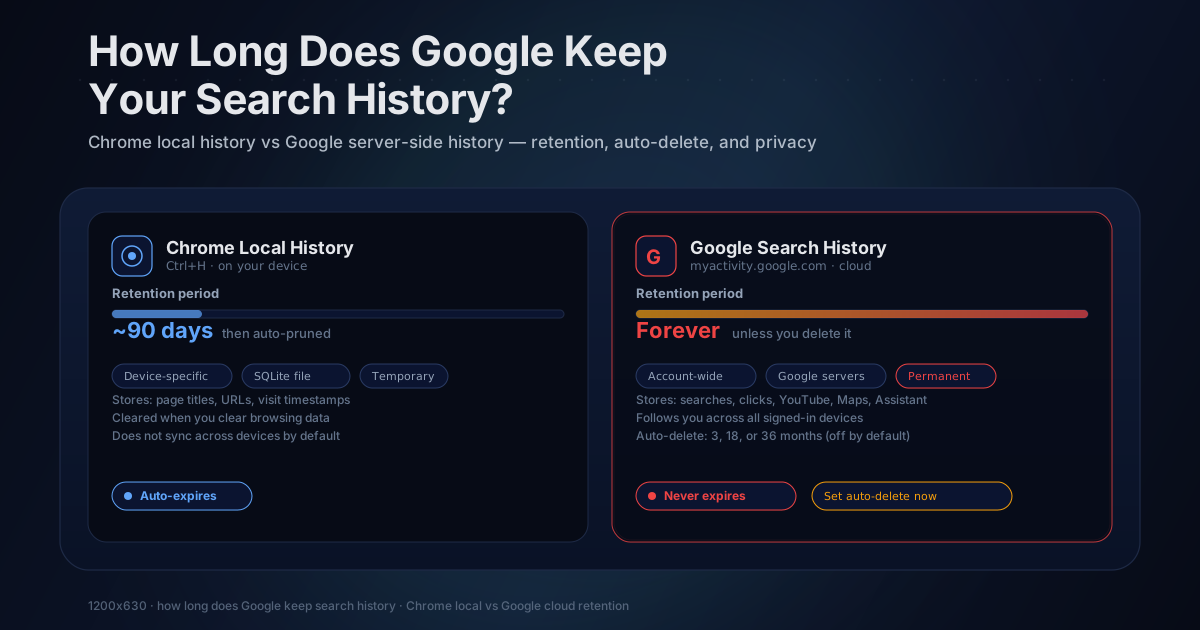
Google Search history depends on Web & App Activity, auto-delete, sync, and deletion settings. See what Google may save and how Chrome's 90-day History differs.
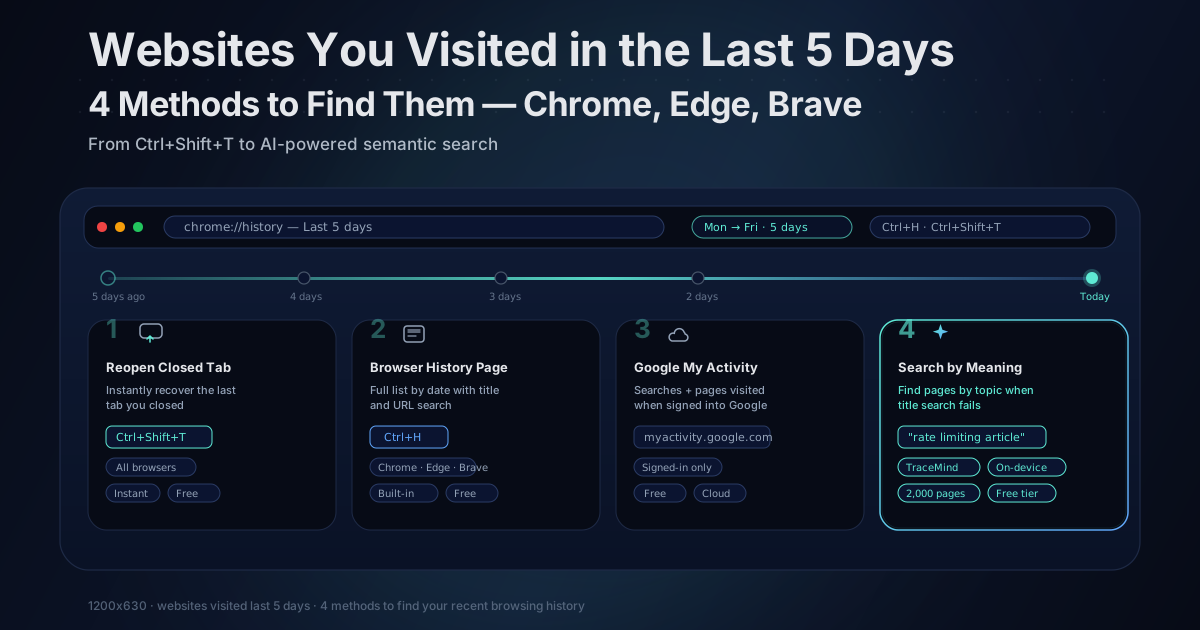
Step-by-step ways to list every site you visited in the last 5 days in Chrome, Edge, and Brave, plus how to find pages your browser already deleted.
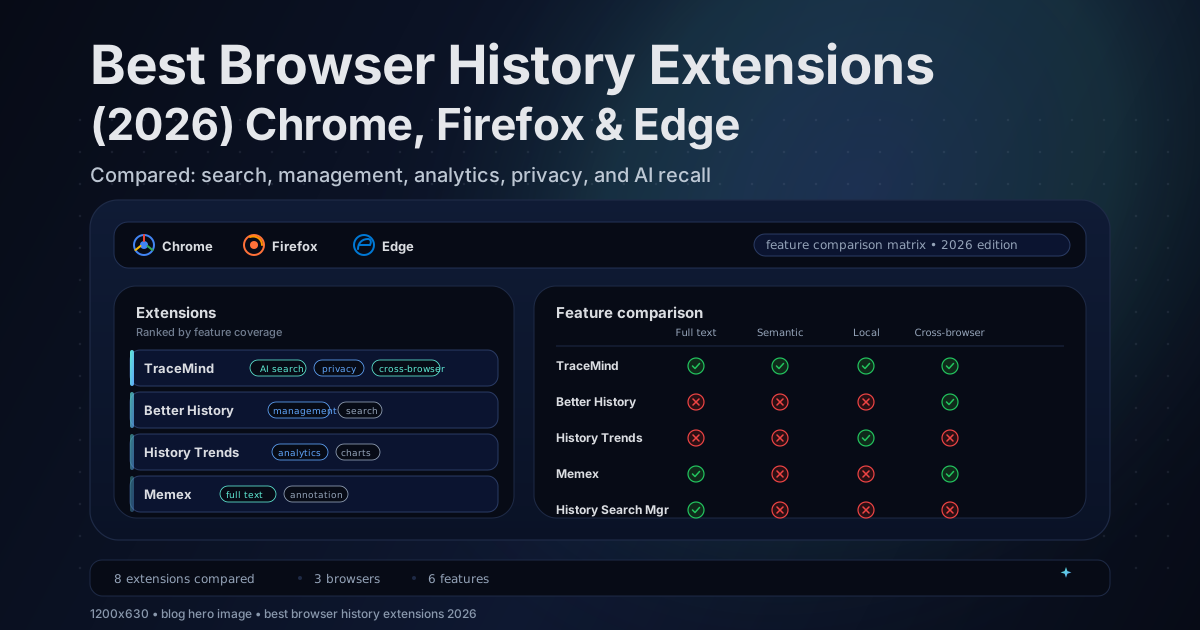
A source-checked guide to six current Chrome history extensions: listings, search models, retention, privacy disclosures, and evidence status.
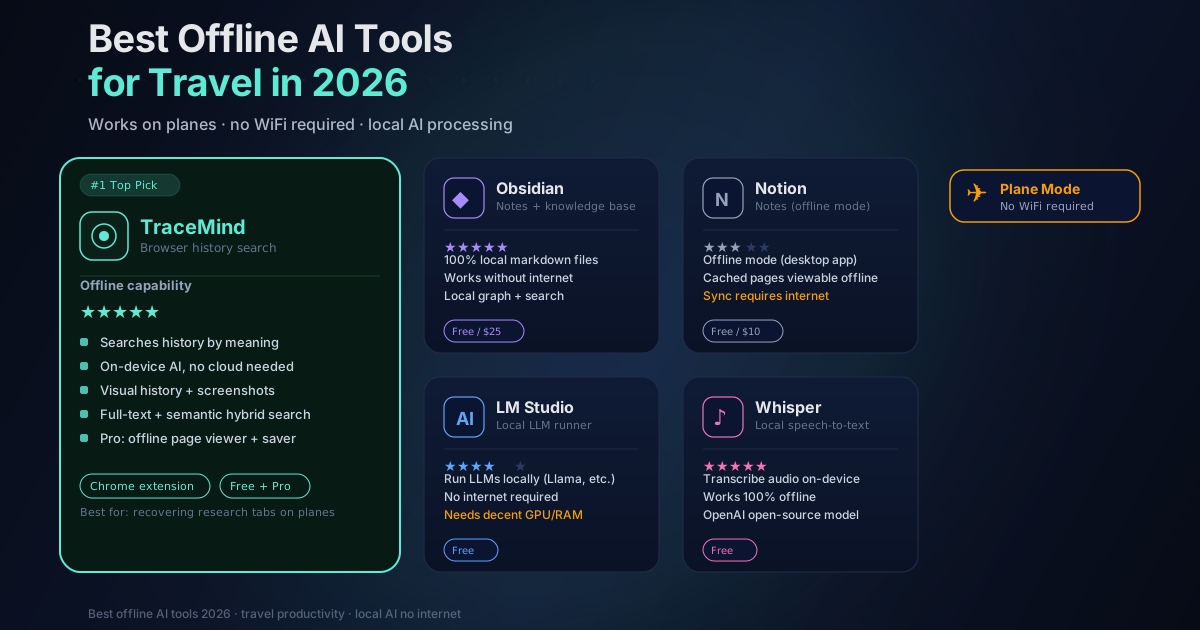
Eight tools with useful offline features for flights: local semantic search, maps, Wikipedia, notes, translation, and on-device AI.
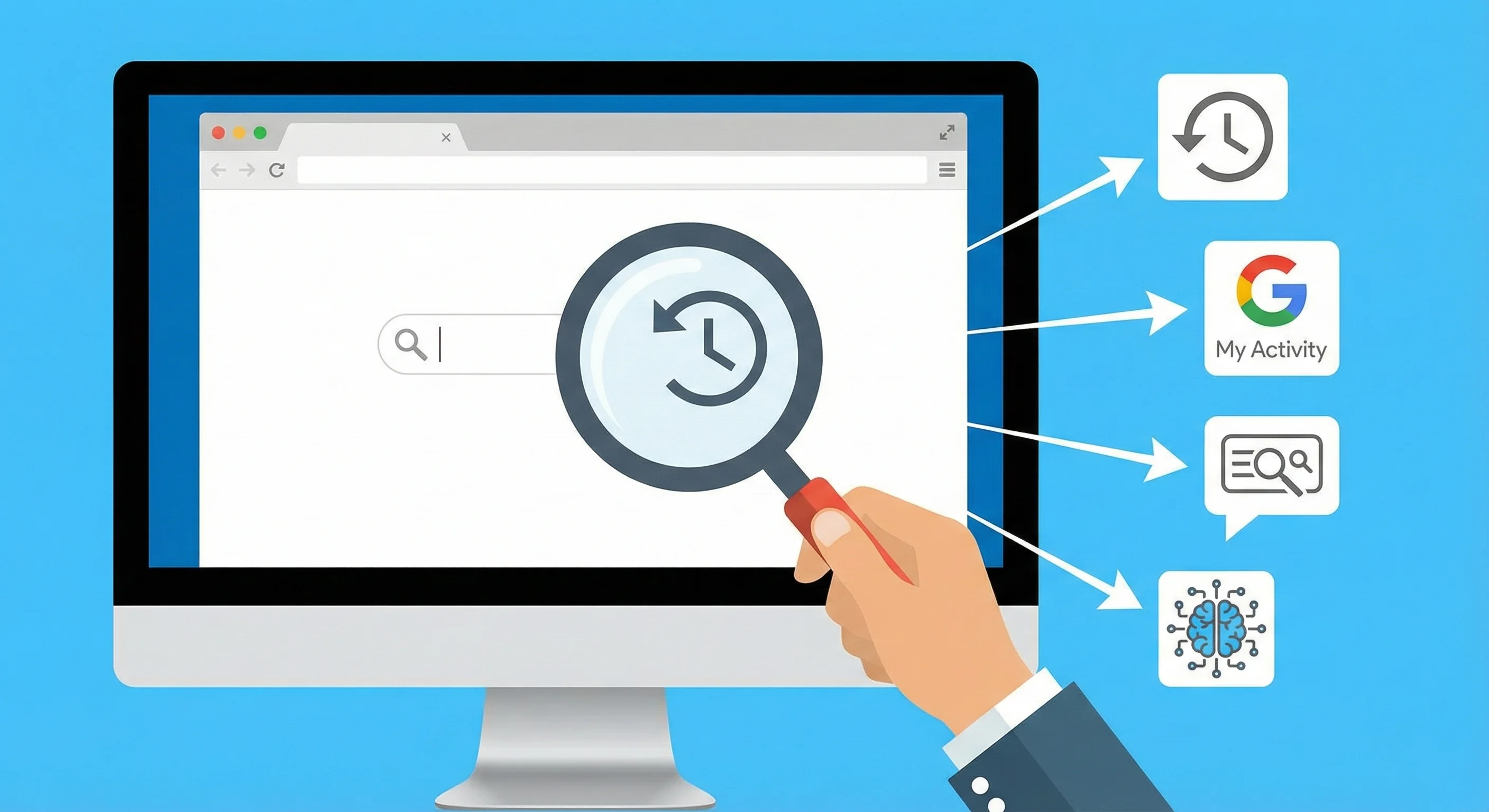
Forgot a site's name? Recover it fast with search operators, history tricks, and AI search that matches what the page was about, not what it was called.
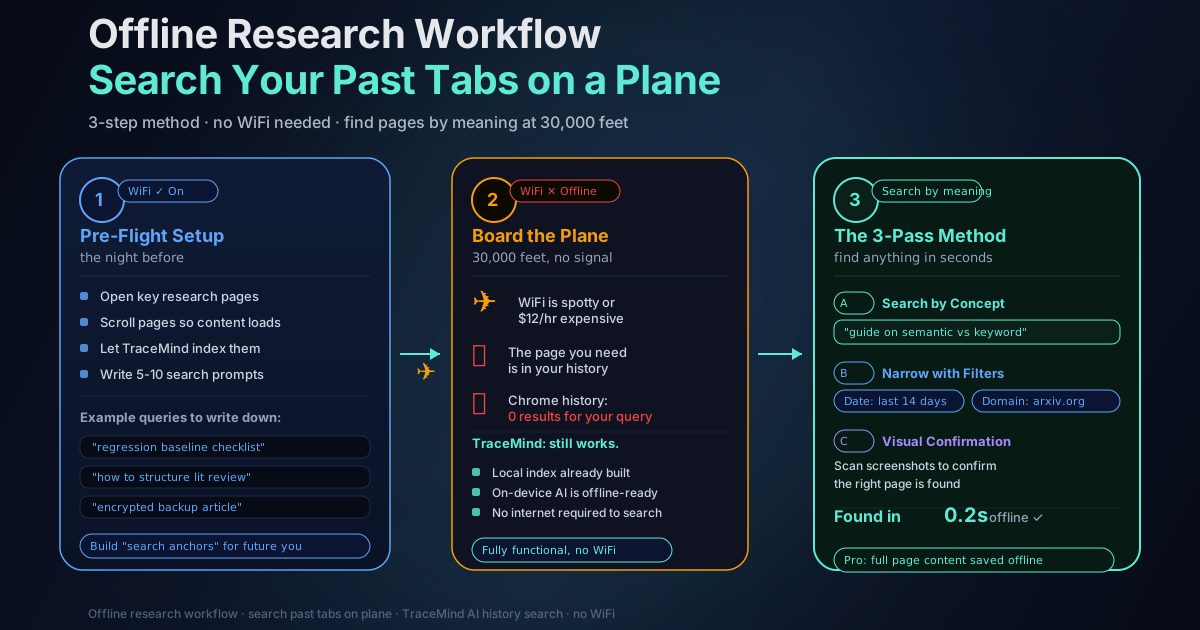
A practical offline research workflow for finding past tabs on a plane, using TraceMind on-device AI search to retrieve pages by meaning.
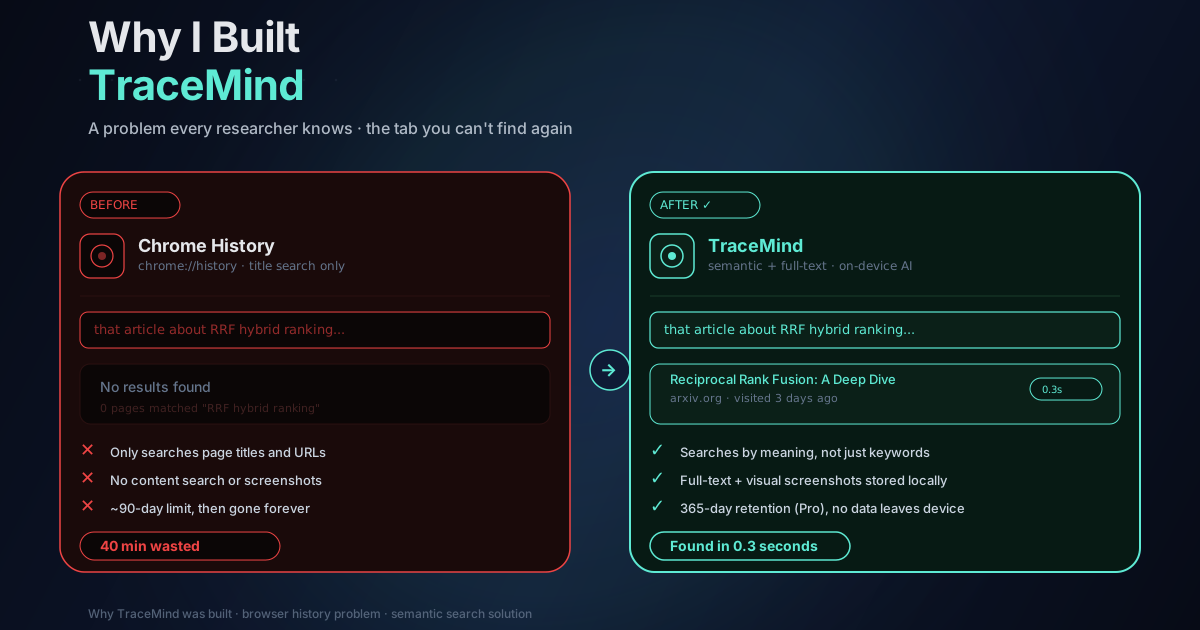
A founder story: losing the perfect page, wasting 40 minutes in Chrome History, and building a local-first way to search browsing history by meaning.
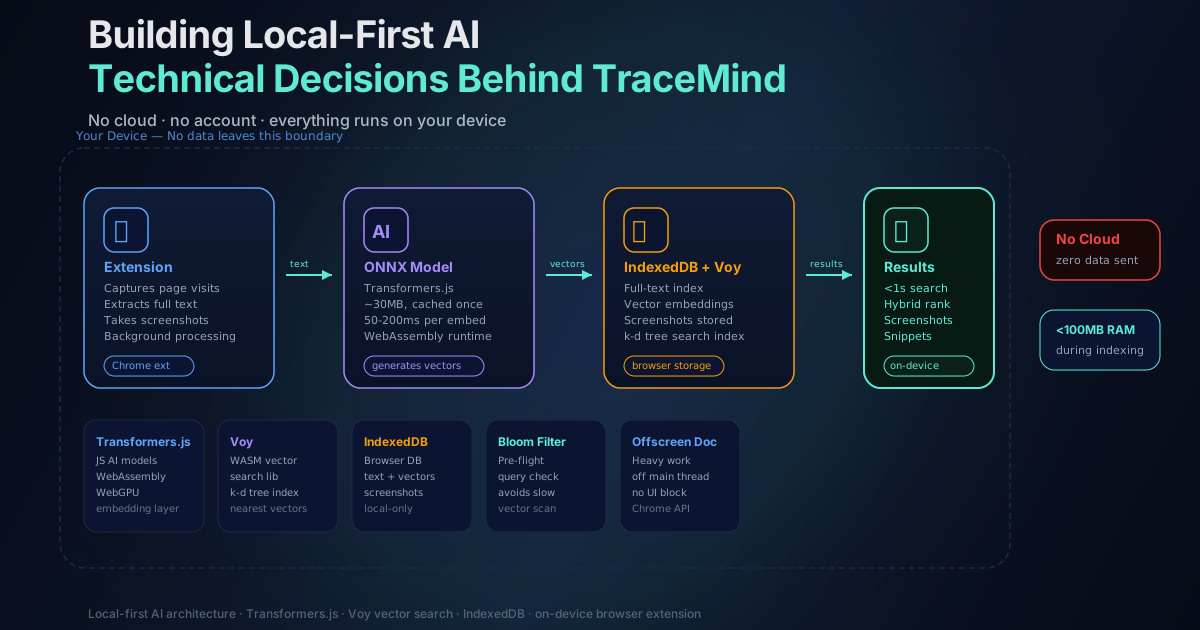
The model, storage, ranking, capture, and encryption decisions behind TraceMind's local core, including the explicit boundary for optional Pro Chat.
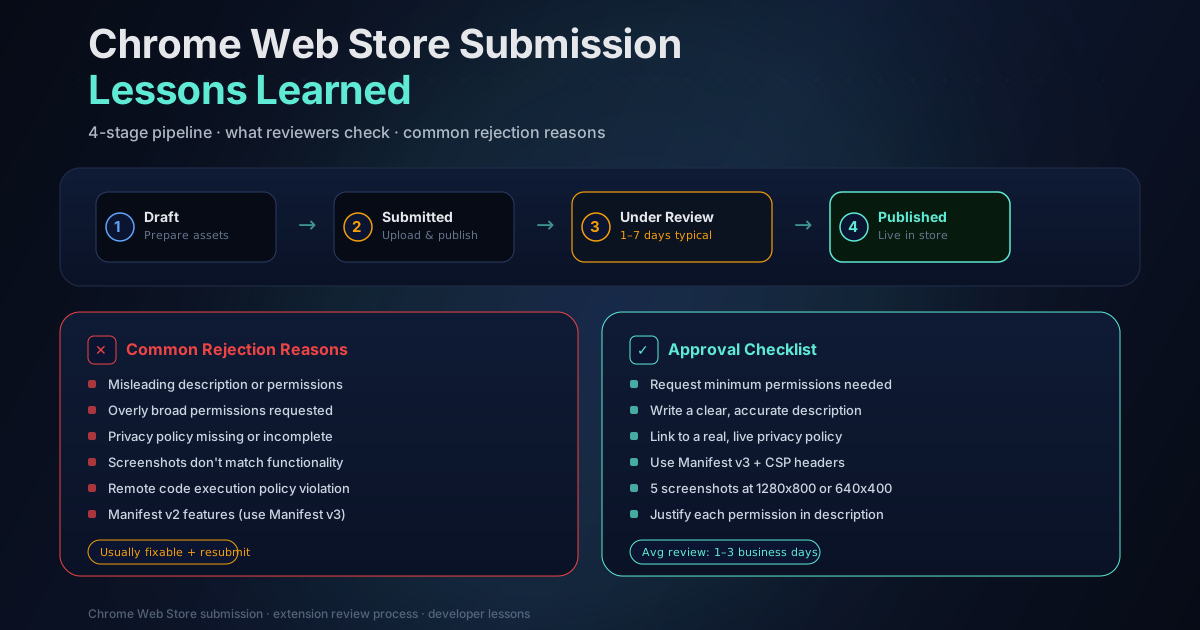
A first-hand account of getting a browser history extension approved on the Chrome Web Store: permission justifications, rejections, and fixes.
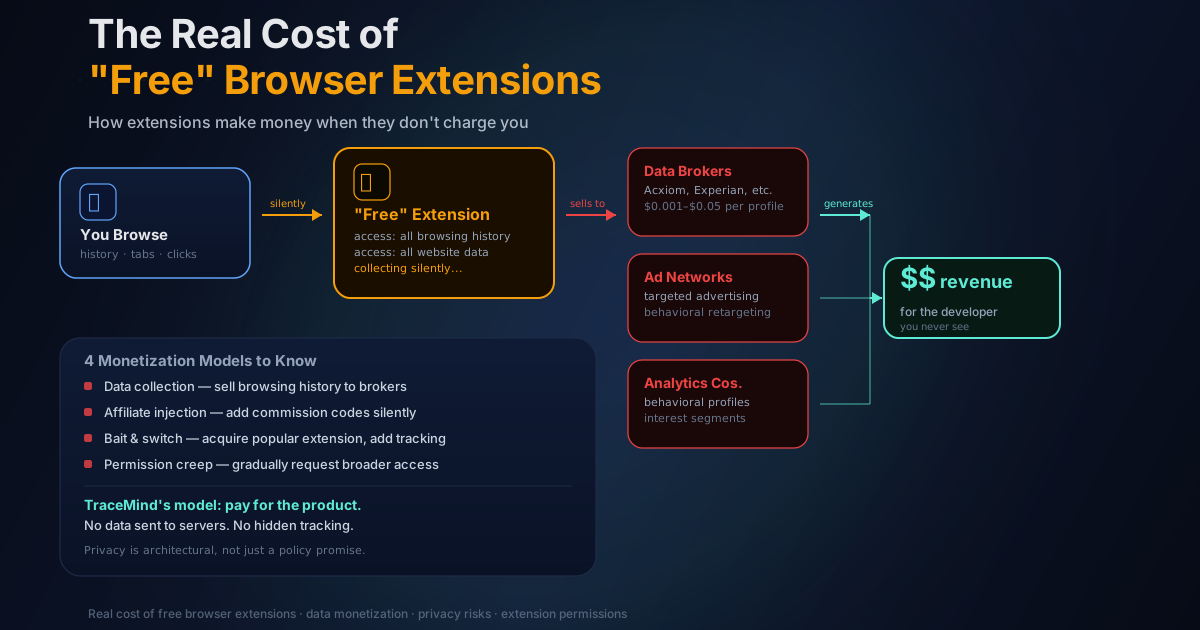
Free browser extensions often monetize through data collection, affiliate injection, or quiet ownership changes. Here's how to spot the business model before you install.
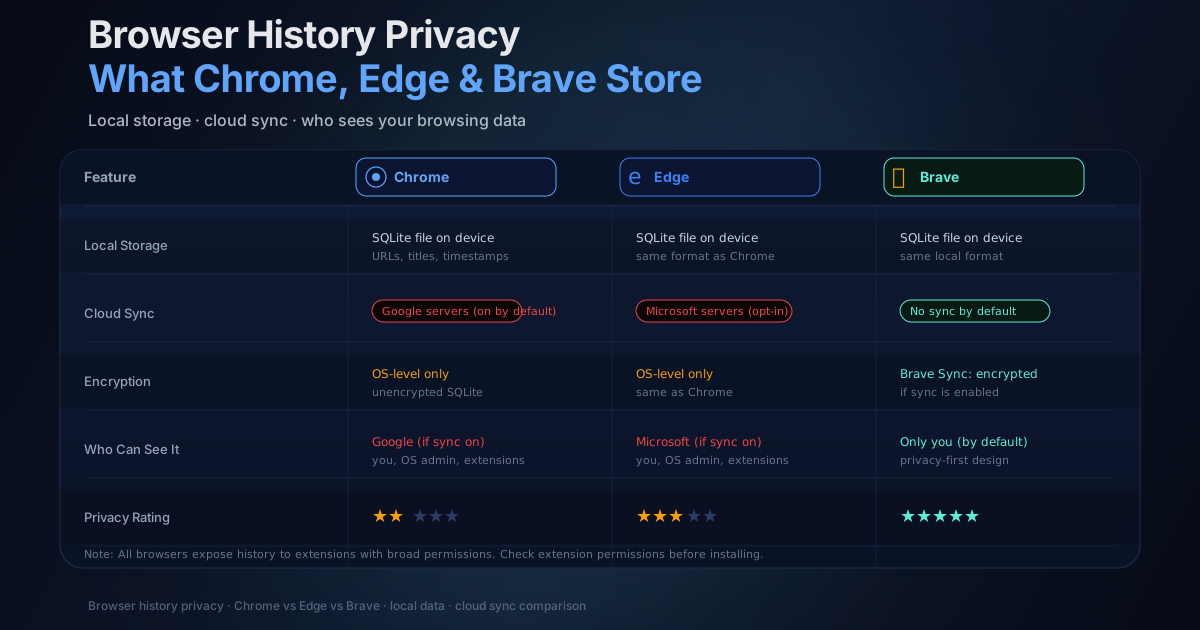
Chrome, Edge, and Brave store more about your browsing than most people realize. What each browser keeps, where it goes, and what you can do about it.
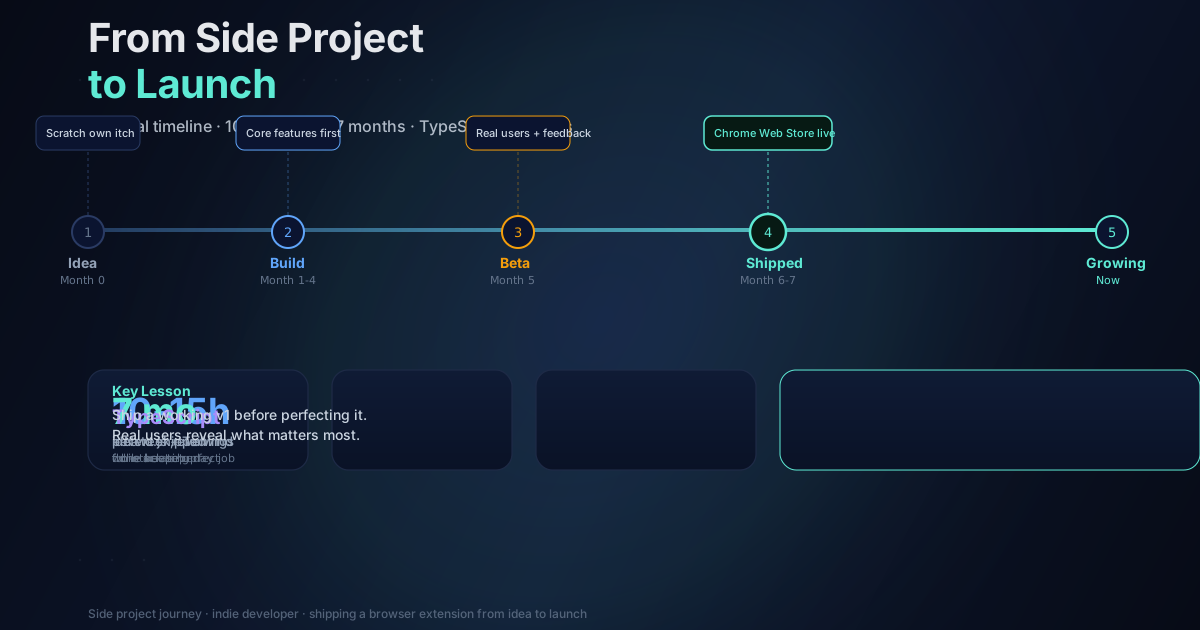
How I built a browser extension with on-device AI in evenings and weekends while running a full-time client workload, and what I would do differently.
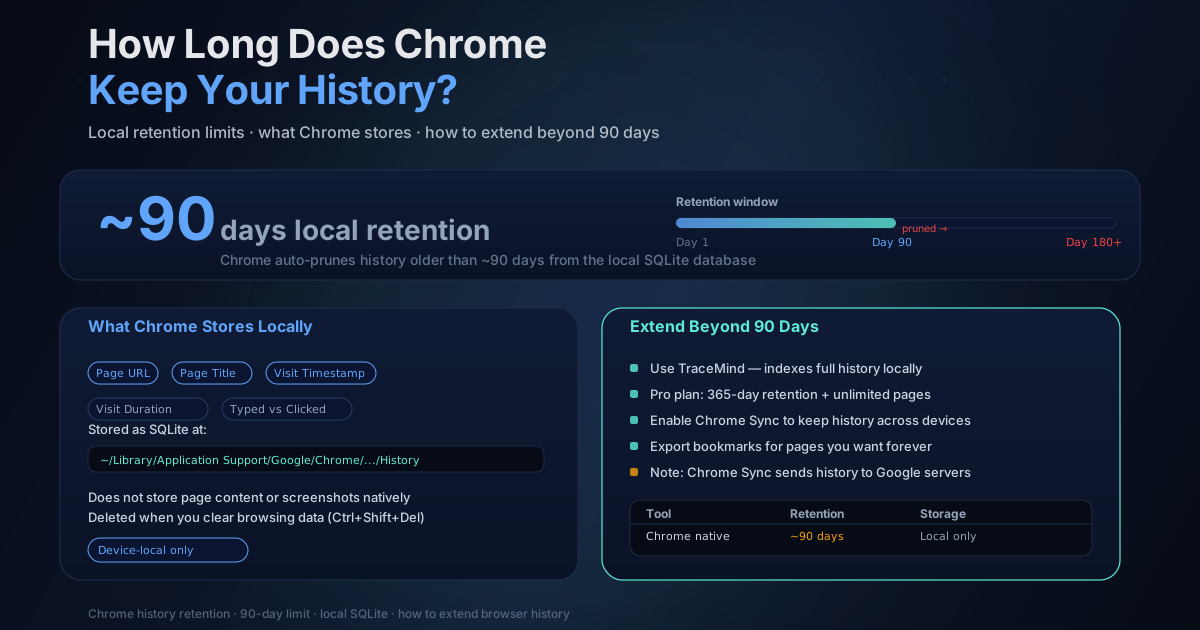
Chrome's History page lists pages visited in the last 90 days. Learn what that does and does not cover, plus ways to preserve a searchable local record.
Compare on-device and cloud browser extensions by data flow, offline behavior, encryption, retention, and the exceptions every privacy claim should disclose.
How on-device AI works inside browser extensions: WebGPU, WASM, embedding models, and why local inference beats sending data to the cloud.
Struggling to find an article you read last week? Practical techniques for retrieving pages using date filters, semantic AI search, and domain filters.
Chrome extensions can receive broad page and history access. Learn how to inspect permissions, ownership, data flow, and update risk before you trust one.