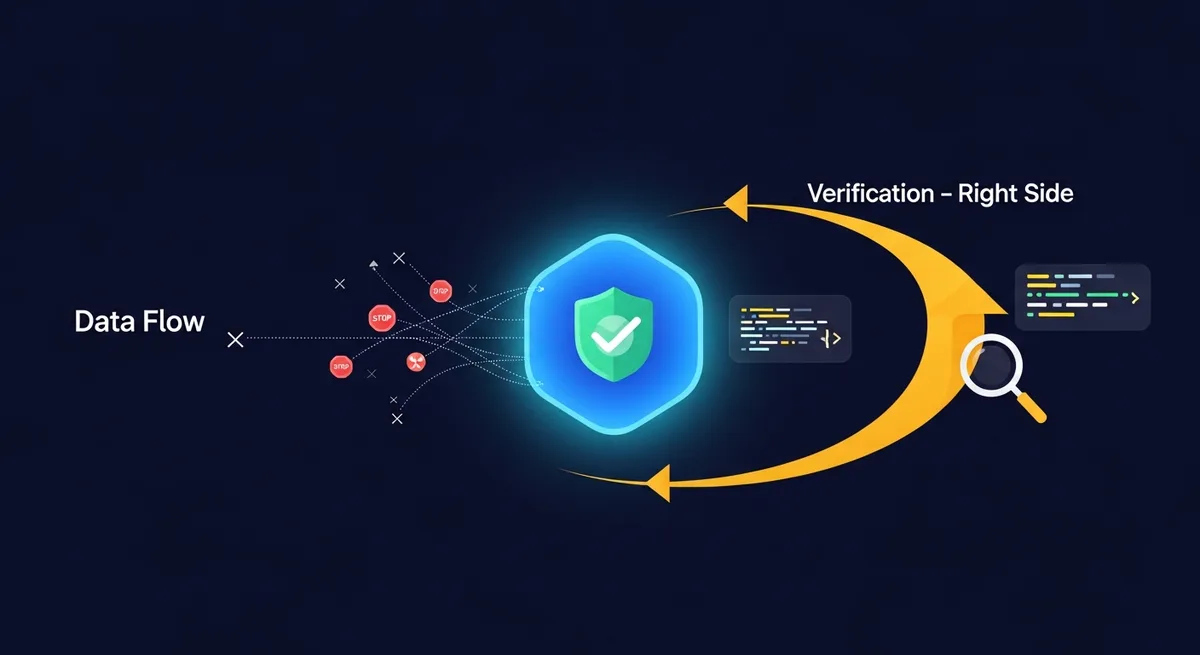
What is Zero Telemetry? Verifying Extension Privacy
Your browser extensions are talking behind your back.
That's not paranoia. It's just what happens when you install software that has permission to read every page you visit, and you never bother to check whether it's quietly shipping that data somewhere else. Most people don't check. I didn't check for years. Then I started writing about privacy tools for a living and realized I'd been running extensions that pinged remote servers dozens of times per hour, sending along data I never consented to share.
So when I started using TraceMind about six months ago, I didn't just take the "zero telemetry" claim at face value. I verified it. With actual network monitoring tools. And honestly, that experience is what made me want to write this article, because the phrase "zero telemetry" gets thrown around a lot, usually by companies that have a very creative interpretation of what it means.
Let me be precise about what it actually means, and more importantly, how you can prove it yourself.
Update (2026-08-01): The test below covered TraceMind's core indexing and search workflow before optional Pro Chat was added. Current core capture, indexing, storage, and search remain local. Licensing uses TraceMind's API, while optional Chat sends selected context directly to the AI provider configured by the user. These functional connections are distinct from analytics telemetry and should still be included in any network audit.
Zero telemetry, defined without marketing fluff
Telemetry, in the context of software, refers to automated data collection sent from a user's device back to the developer (or a third party). This can include crash reports, usage analytics, feature engagement metrics, hardware specs, browsing patterns, search queries, and sometimes the full content of what you're looking at.
Zero telemetry means none of that happens. Zero. Not "anonymized telemetry." Not "privacy-respecting telemetry." Not "opt-out telemetry that's on by default." The software makes no outbound connections to report on your behavior.
This is a stricter standard than most people realize. A lot of extensions claim to be "privacy-first" while still sending anonymized usage pings to Mixpanel or Google Analytics. They'll argue it's harmless. Maybe it is. But it's not zero telemetry.
Here's my personal litmus test. If I disconnect from the internet and the extension works exactly the same (minus anything that obviously requires a network), it passes the sniff test. If it throws errors, stalls, or degrades for no obvious reason when offline, something is phoning home.
Why privacy advocates should care about proof, not promises
I've talked to enough people in privacy communities to know that the default response to any privacy claim is (rightly) skepticism. That skepticism should extend to every extension, including ones you like.
Privacy policies are written by lawyers. They can say whatever they want. What matters is what the software actually does on the wire.
The good news is: you don't need to be a security researcher to verify this. You need a network monitor, twenty minutes, and a little patience. I'll walk you through it.
The tools you'll need
You have a few options depending on your comfort level:
Chrome DevTools (Network tab) is the easiest starting point. Right-click anywhere, hit "Inspect," click the Network tab, and you can watch every HTTP request the browser makes in real time. The limitation: Chrome extensions' background service workers have their own DevTools window. You need to go to chrome://extensions, enable Developer Mode, and click the "Inspect views" link for the specific extension.
Wireshark is the gold standard if you want to see everything leaving your machine, not just what Chrome reports. It captures traffic at the network interface level, so even if an extension tried to be sneaky about how it sends data, Wireshark would catch it. It has a learning curve, but for this purpose you only need the basics: start a capture, filter by destination IP, and look for anything unexpected.
Little Snitch (macOS) or GlassWire (Windows) are more user-friendly. They show you per-application network connections in a clean UI and can alert you whenever something tries to reach out. I've been using Little Snitch for years, and it's caught some truly surprising behavior from apps I trusted.
Pick whichever one matches your skill level. They all work for this purpose.
How I verified TraceMind's zero telemetry claim
Here's exactly what I did. I'm sharing the steps so you can repeat them with TraceMind or any other extension you're skeptical about.
Step 1: Establish a baseline. I opened Chrome with all extensions disabled except TraceMind. Then I opened Chrome's Network tab in the extension's own DevTools (via chrome://extensions > Inspect views). I also started a Wireshark capture filtered to my machine's outgoing traffic.
Step 2: Normal browsing. I browsed for about 30 minutes. News sites, documentation pages, a few Reddit threads. Normal stuff. TraceMind was doing its thing, indexing page content as I visited.
Step 3: Check what went out. After the session, I reviewed every outbound request.
In that core-flow test, TraceMind made one expected type of external call: license validation to tracemind.app. I saw no analytics endpoint or third-party tracking pixel. The current product also contacts the configured AI provider when a user invokes optional Pro Chat.
The license request exists to activate or validate Pro access and is separate from core indexing and search. Inspect it independently rather than treating any functional network request as permission for browsing-content telemetry.
Step 4: Go offline. I disconnected from Wi-Fi and kept searching the history already stored in the browser. Core semantic and keyword search continued to work because the model and indexes run locally through WebGPU or WASM. License refresh and optional Pro Chat remain network-backed.
That's the part that convinced me. Not the privacy policy or marketing page, but the fact that the core retrieval workflow kept running after I pulled the network connection.
What "local-first" actually means here
I've written about the difference between on-device and cloud-based extensions before, but the short version: most extensions that claim to be "private" still process your data on someone else's server. They encrypt it in transit, sure. But the processing happens remotely, which means your data exists, however briefly, on hardware you don't control.
TraceMind's core semantic search and text extraction run locally. Free local storage is not protected by a TraceMind passphrase. Pro can optionally protect supported local content and create new encrypted backups with AES-256-GCM; new passphrases use 600,000 PBKDF2 iterations and legacy 200,000-iteration data remains readable. Licensing is network-backed. Optional Pro Chat sends the question, prior turns in the current chat, and selected excerpts, titles, and URLs directly to the configured provider when invoked.
Your browsing history is arguably more sensitive than your email. It reveals what you're researching, what you're worried about, what you're buying, who you're reading about. No extension should be uploading that anywhere, even "anonymized."
The sneaky ways extensions phone home (and how to catch them)
Not all telemetry is obvious. Here are patterns I've seen in other extensions that you should watch for:
-
Delayed beacons. Some extensions batch up analytics and send them every few hours instead of in real time. If you only monitor for ten minutes, you'll miss it. Run your capture for a full day.
-
DNS-level tracking. Instead of sending a full HTTP request, some extensions resolve specific DNS names that encode data in the subdomain itself. Something like
u83kf9d.analytics.shadyextension.com. Wireshark catches this. Chrome DevTools usually doesn't show DNS lookups. -
Piggyback requests. When you visit a website, some extensions inject additional tracking requests that look like they're coming from the website, not the extension. Check the "Initiator" column in Chrome's Network tab to see who actually triggered the request.
-
WebSocket connections. These stay open persistently and can transmit data bidirectionally without showing up as individual requests in a casual network scan. Filter for WebSocket frames specifically.
None of these are theoretical. I've personally caught extensions doing all four. The real cost of free browser extensions is often your data, and they're creative about collecting it.
"But I have nothing to hide"
I hear this constantly. My response has gotten shorter over the years.
You might have nothing to hide today. But you don't control how collected data gets used tomorrow, who buys the company that collected it, or what future algorithms will infer from patterns you don't even know you're creating. Data collected is data that exists. Data that exists can be breached, subpoenaed, sold, or repurposed.
Zero telemetry sidesteps the entire problem. If the data never leaves your machine, none of those risks apply. It's about not creating liabilities that don't need to exist.
A practical verification checklist
If you want to audit any extension (not just TraceMind), here's what I'd recommend:
Open the extension's DevTools via chrome://extensions. Browse normally for 30+ minutes. Filter the Network tab by third-party domains. Look at request payloads, not just URLs. Check for WebSocket connections. Run a Wireshark capture overnight if you want to be thorough. Disconnect from the internet and see what breaks.
That last one is honestly the most revealing test. A truly local-first extension shouldn't flinch when the network disappears.
What about open source? Isn't that better?
Maybe. But not automatically.
Open source means you can inspect the code. It doesn't mean you did. It doesn't mean the published code matches the compiled extension in the Chrome Web Store. And it doesn't mean you'd catch a well-hidden telemetry endpoint buried in 50,000 lines of JavaScript.
Network monitoring is a better verification method than code review for most people. You don't need to understand the codebase. You just need to watch what actually leaves your computer. It's empirical, not theoretical.
Open source is worth caring about. But I've seen people treat it as a magic wand for trust, and then never actually read a single line. Network monitoring is something anyone can do, and it gives you hard evidence instead of abstract reassurance.
The trust equation
Here's how I think about trusting an extension with my browsing data:
Does it work offline? (Proves local processing.) Does it make unexplained network requests? (Proves or disproves telemetry claims.) Is the data storage local and inspectable? (You can check IndexedDB contents directly in Chrome DevTools.) What's the encryption story for exports? (AES-256-GCM is solid. No encryption at all is a red flag.)
TraceMind checks all four boxes. I verified the first two empirically, and the encryption details are documented in their feature set. I wouldn't still be using it six months later if it hadn't passed these tests.
Run the tests yourself, though. That's the whole point of zero telemetry as a verifiable property rather than a marketing claim. You don't have to trust anyone. You can just look.
What I wish more extensions would do
What bugs me is that this verification process is something users have to do themselves. More extension developers should publish transparency reports showing their network behavior, or include built-in network activity logs that users can review. Some do. Most don't.
Until that becomes standard, the burden of verification falls on us. Twenty minutes with Chrome DevTools will tell you more about an extension's actual privacy practices than any privacy policy ever written.
Zero telemetry isn't a feature. It's an absence. An absence of data collection, outbound connections, and trust-me-bro promises that can't be verified. When you can prove that absence, it's worth more than every privacy badge and certification combined.